Start with one person. Find their best moments.
 Pianke editorial·People grouping·2-minute read
Families, weddings and events include many people worth noticing. Browsing by person means less searching and more attention for everyone.
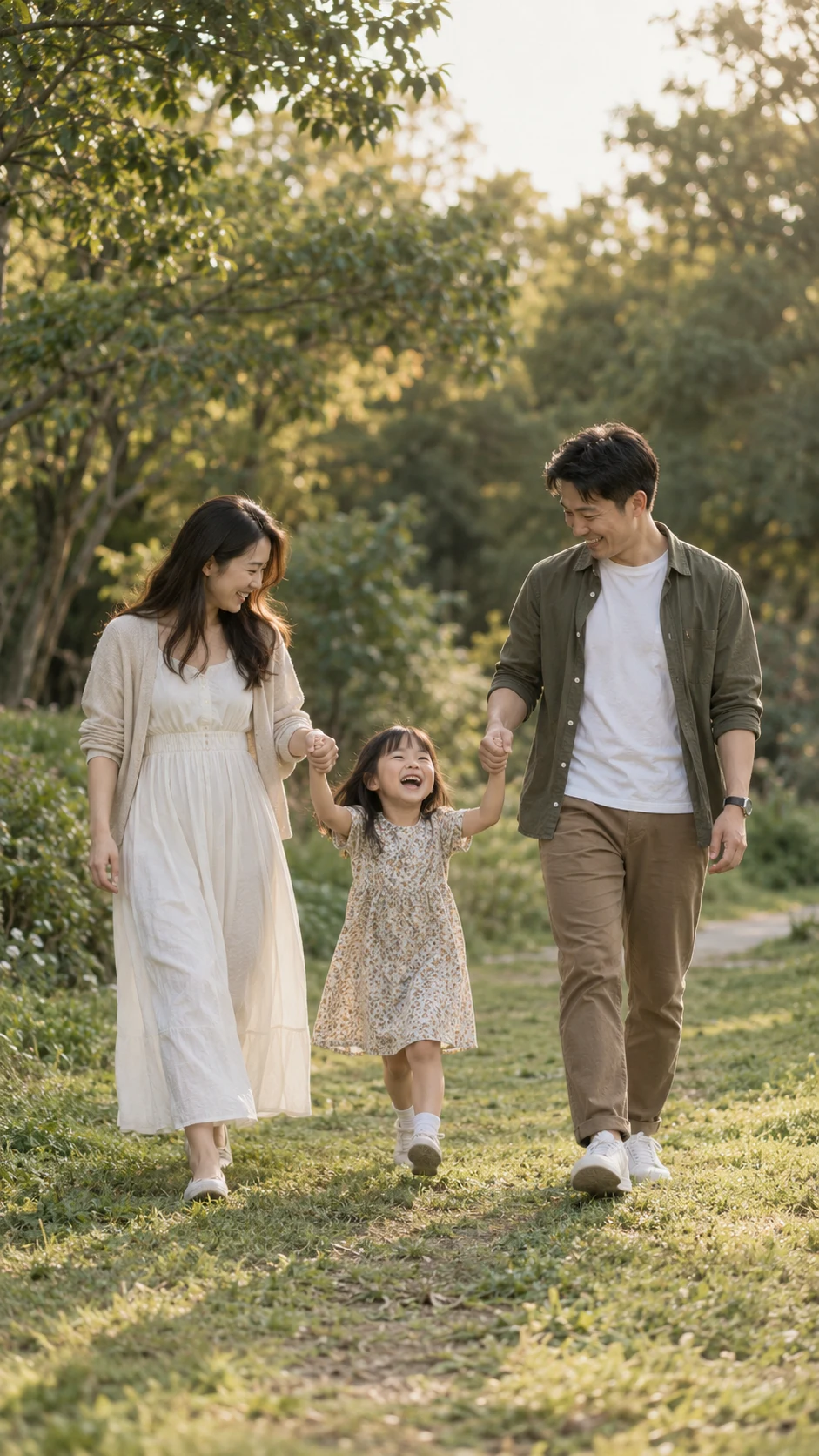
Start with one person
People grouping brings photos of the same person together, making it easier to browse their different moments from a shoot.
Return to the whole shoot
Check each person first, then return to the full set to see whether the story feels complete. Look for natural expressions and the interactions in group portraits.
Face data stays on your computer
The face data used to identify people stays on your computer. Online culling uses random person IDs valid only within that job. Originals are not uploaded.